Effortless photographic
evidence, by design.
Using AutoBREL gives you an online dashboard where you create projects and assign them to onsite personnel to capture the images you need. You choose who gets access to what. Images can be reviewed, approved or rejected with comments, so the evidence supporting your BREL report is the evidence you actually wanted.
- Easy online dashboard to create projects and track progress
- Free app on the App Store and Google Play for geolocated capture
- Full audit trail with the images and reports needed for compliance
- Save time meeting your photographic evidence requirements
14-day free trial — no card details required.
The leading solution for photographic evidence
To be the leading solution for effortless and secure photographic evidence management, empowering businesses to achieve seamless compliance through innovative technology and exceptional user experience.
Our mission is to simplify the process of capturing, reviewing and managing photographic evidence by providing a secure, user-friendly platform that enhances efficiency and ensures compliance. We are committed to delivering reliable and innovative solutions that help our clients meet their regulatory requirements with confidence and ease.
Photographs for each plot
Photographs must be taken for each plot's thermal junctions. They can be taken by anyone dealing with the project on site, but ideally a responsible person. These photos are required for sign-off, but are not for building control to carry out — they link back to the as-built BREL and the as-built SAP.
Photographs need to be unique to each property, with one photograph recorded per detail, and close-up images added wherever greater clarity is needed. Every photo should be geolocated and carry a date and time stamp.
The App on Site
Three screens is the whole of it. That is deliberate.
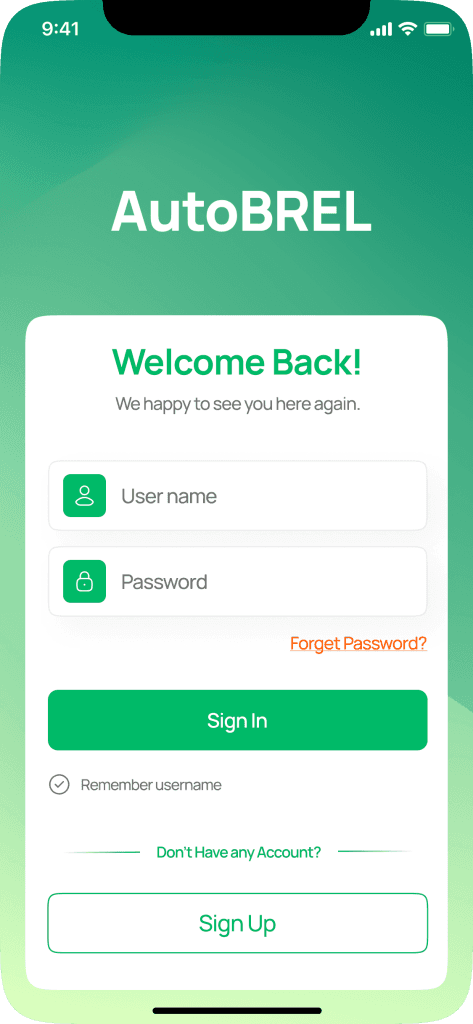
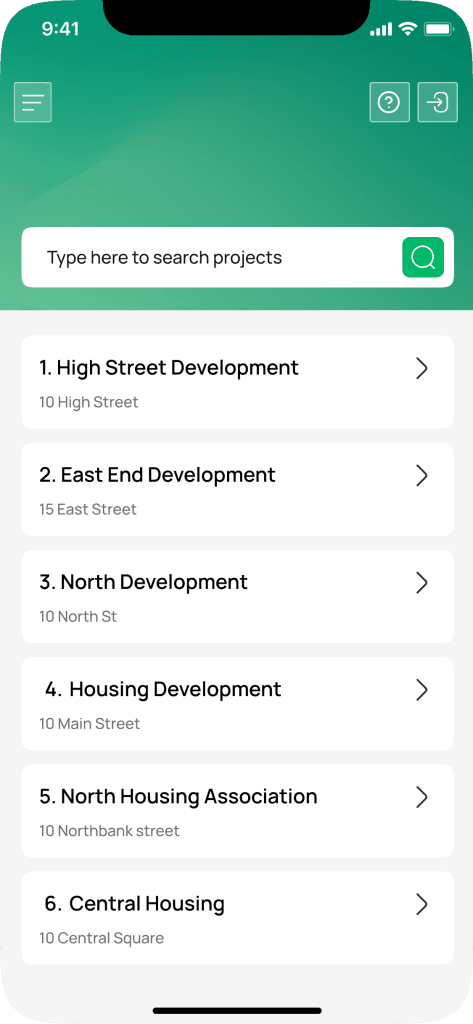
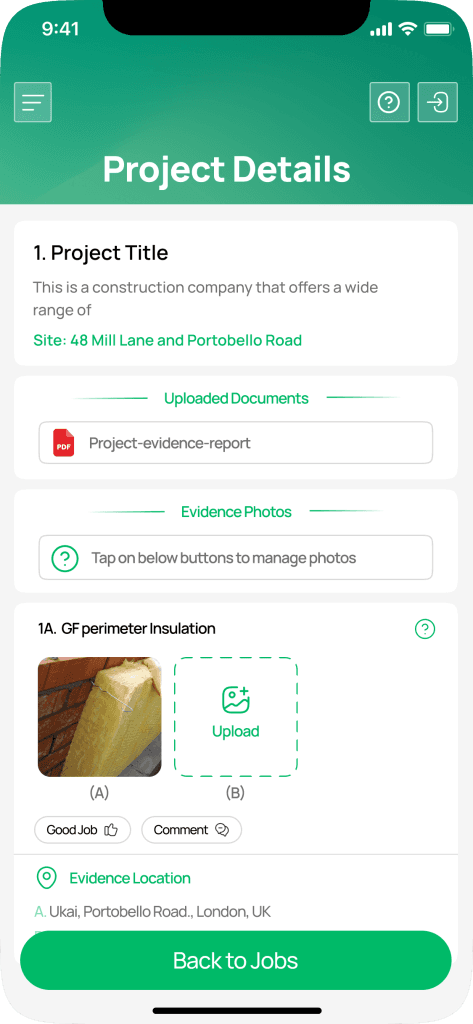
AutoBREL Photographic Evidence App
Automatic photo tagging and geo-location
AutoBREL automatically tags each photo with a time-stamp and geo-location, ensuring every image meets Part L compliance standards with minimal manual input.
Real-time project dashboard
The project dashboard lets you set up and assign projects to onsite teams instantly, with immediate access to project details, checklists and requirements.
Unlimited projects and storage
Create unlimited projects and capture as many images as you need, all stored securely in the cloud.
Accessible anywhere, anytime
Available on the Apple App Store and Google Play Store, and fully online with no desktop download required.
Put it to work on a live plot
Fourteen days, your own site, no card details required.